NEW EBOOK AVAILABLE!
50 Small-Sided Games by Football Coaching Lab
Get it now in our eBook store!
Sports Video Analysis
Turn game footage into better coaching.
Analyze training and match videos, highlight key moments, and bring your coaching insights to life. Add annotations, tag players, and create shareable playlists that help your team learn and improve.
Make every moment a learning opportunity.
Turn video footage into clear feedback, communicate your ideas visually, and help players better understand their performance.
Focus on what matters. Identify key moments from training and matches. Turn long recordings into focused clips that make analysis easier and more effective.
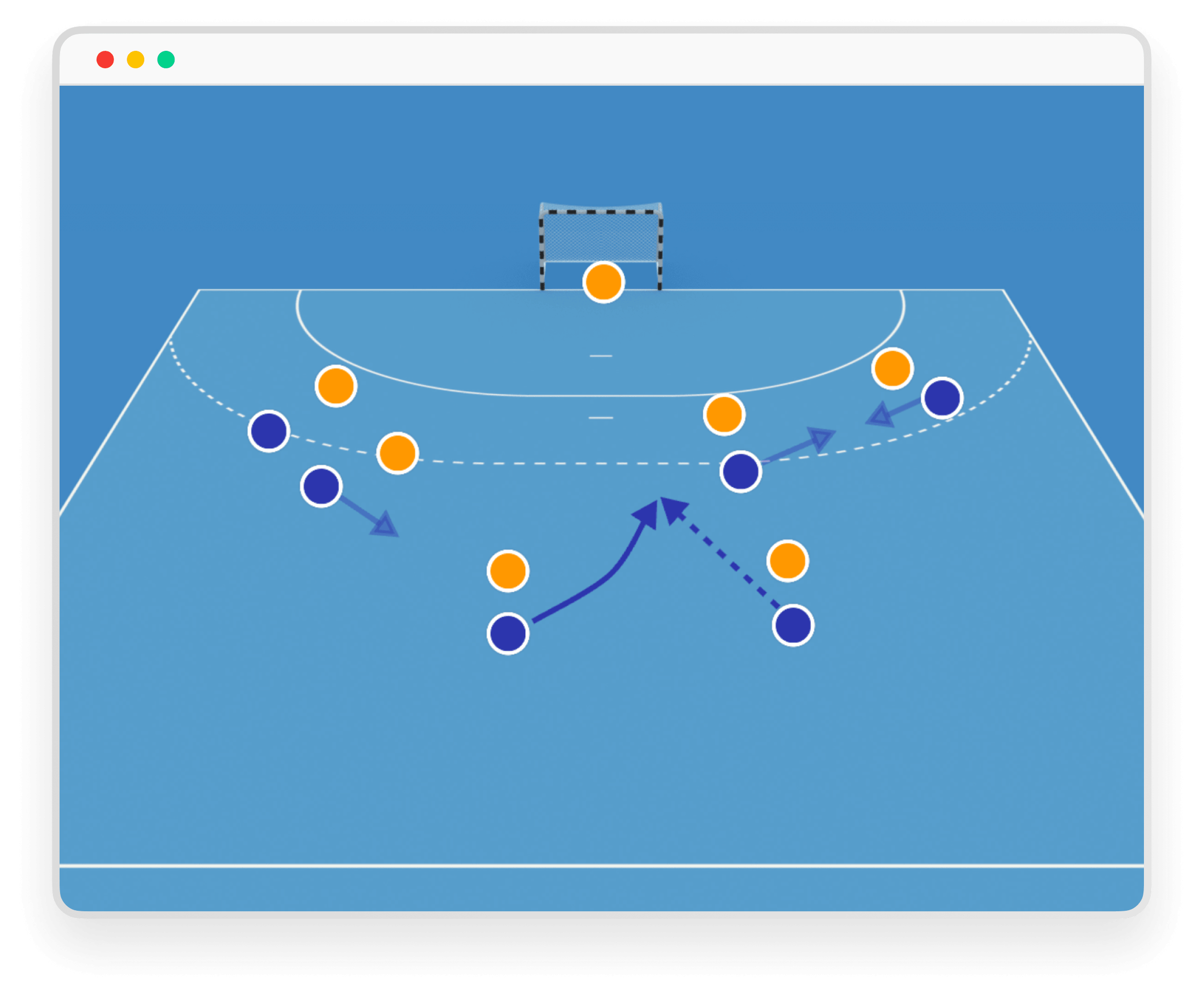
Show, don't just tell. Bring your coaching ideas to life with drawings and annotations. Help players understand movements, decisions, and tactical situations.
Share insights that stick. Organize important clips into playlists and share them with your players and staff. Make video feedback part of everyday coaching.
All your footage, one organized library
Upload and organize match and training videos in your own library. Use folders, categories, and search tools to keep footage structured and find the right video whenever you need it.
Find the moments that matter
Review footage with a timeline-based video editor, frame-by-frame controls, and adjustable playback speeds. Create clips, organize them into tracks, and focus your analysis on specific game situations.
Make your coaching ideas visible
Add lines, arrows, shapes, text, and spotlights directly to video frames. Highlight player movements, tactical decisions, and positioning to make complex situations easier to understand.
Connect every clip to the right context
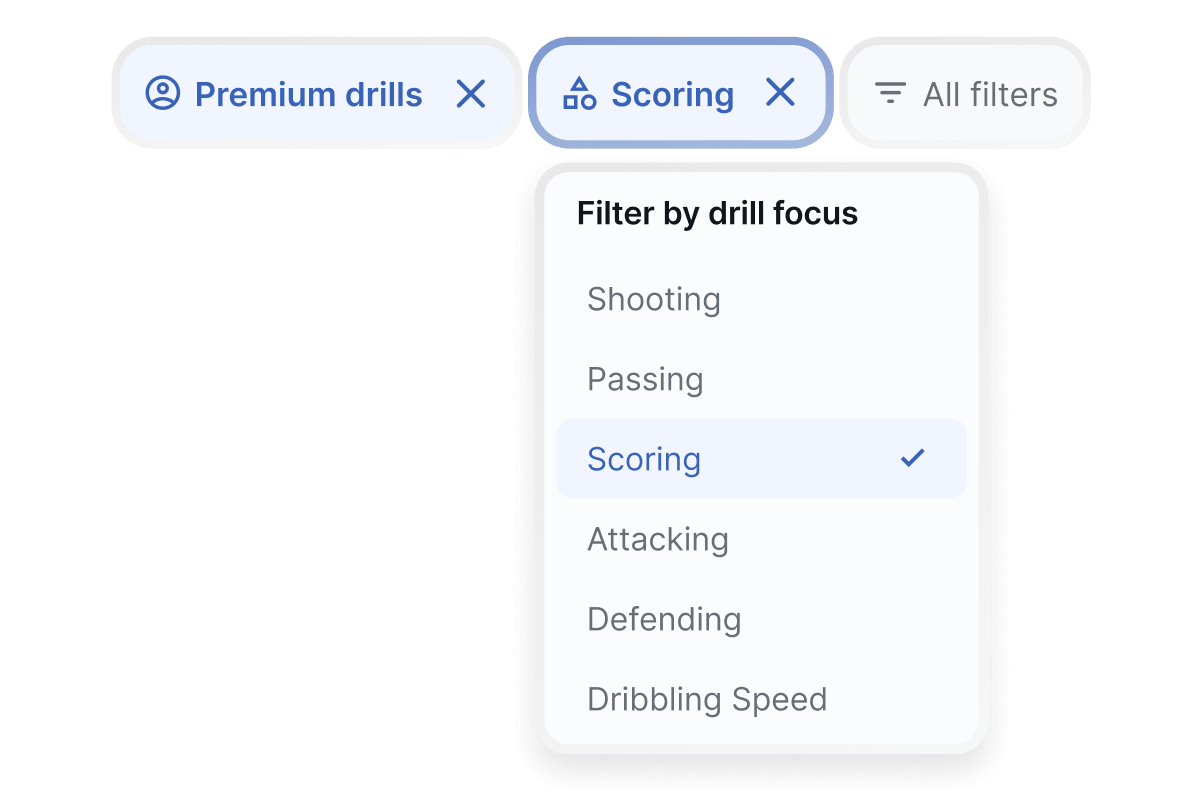
Tag players in video clips and categorize important moments by training focus or tactical situation. Keep your analysis organized and make relevant footage easier to find and review.
Turn key moments into powerful lessons
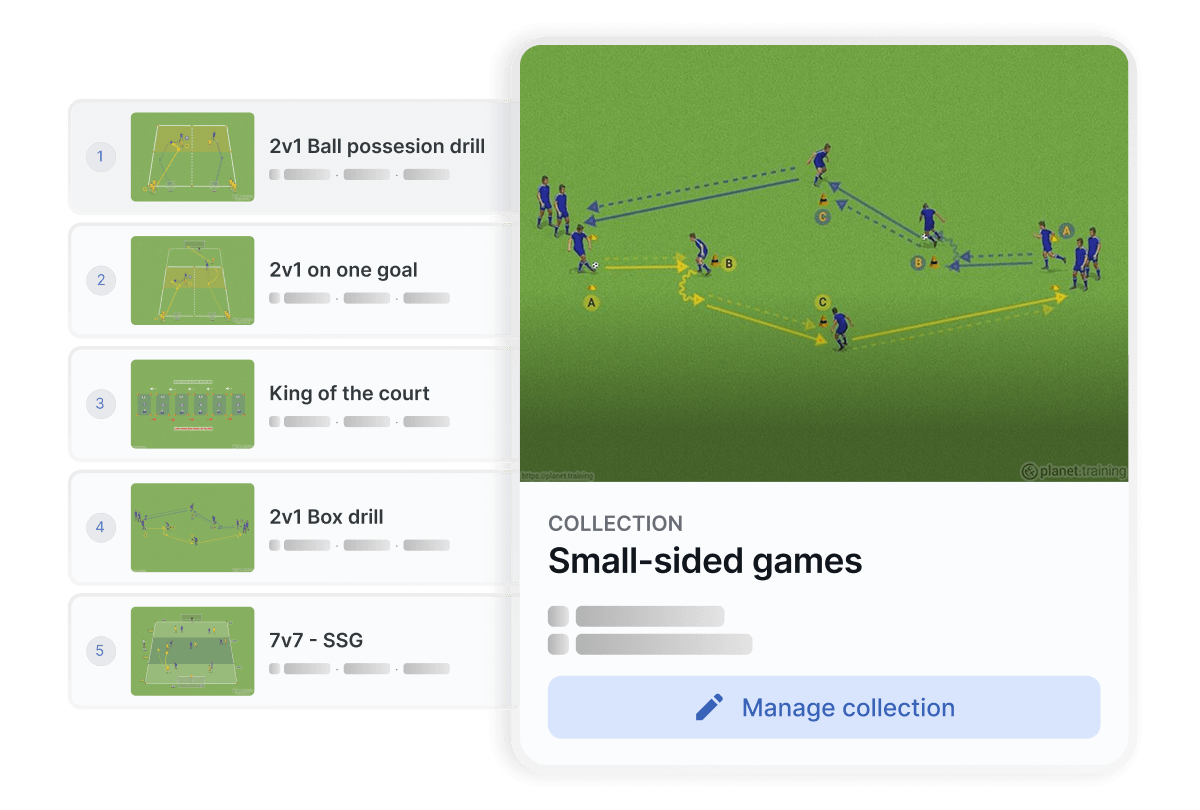
Combine clips and videos into structured playlists for team meetings, player feedback, or tactical preparation. Arrange moments in your preferred order and build focused video presentations.
Share insights. Improve together.
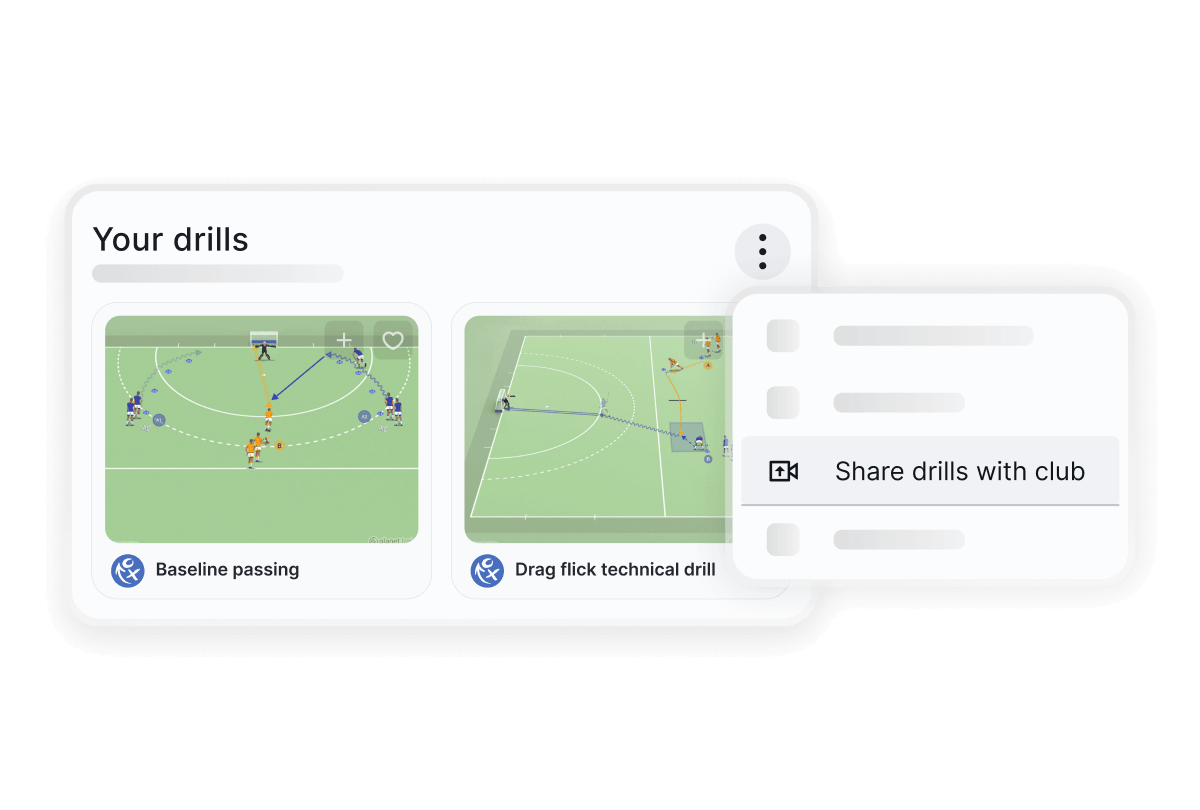
Share videos and playlists with players, coaches, and staff through club access or shareable links. Connect footage to training sessions, game days, and scouting workflows to keep video feedback part of your coaching process.
Supporting coaches from some of the best teams in sports









Sports Video Analysis
Frequently Asked Questions
What is sports video analysis software?
Sports video analysis software helps coaches review footage, identify important moments, add visual annotations, and share feedback. planet.training combines video editing, player tagging, clip creation, and playlists in one connected coaching platform.
Can I analyze both training sessions and matches?
Yes. Upload video footage from training sessions, matches, or other coaching activities. Organize recordings in your video library and use the editor to create clips, highlight movements, and review key situations.
Can I draw and add annotations to videos?
Yes. Add arrows, lines, shapes, text, and spotlights directly to video frames. You can pause playback at annotated moments to explain positioning, movement patterns, tactical decisions, and coaching instructions.
Can I create short clips from longer videos?
Yes. The video editor lets you mark the beginning and end of important moments to create individual clips. Organize clips into tracks, add categories, and reuse them in playlists without duplicating the original footage.
Can I tag specific players in video clips?
Yes. Tag players from your club or scouting database when editing clips. This helps connect important moments with the athletes involved and makes your analysis easier to organize.
Can I create and share video playlists?
Yes. Combine full videos and individual clips into playlists, arrange them in your preferred order, and share them with selected clubs or through public links. You can also set expiration times for shared links.
Can I use videos in other planet.training features?
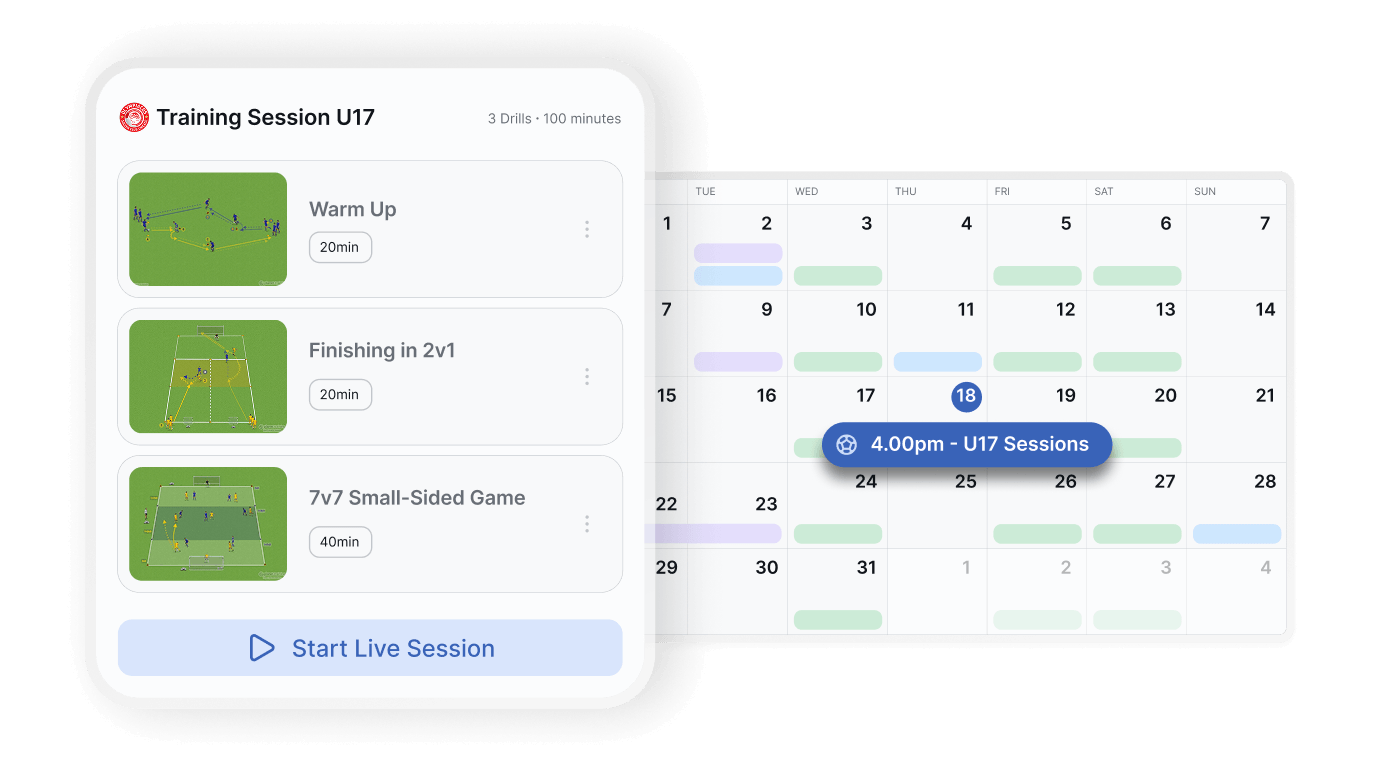
Yes. Video content can be connected to training sessions, game days, scouting reports, and Knowledge Base documents. This helps keep footage accessible within your broader coaching and player development workflows.
Do I need special cameras or video analysis hardware?
No dedicated video analysis hardware is required. You can upload existing recordings and analyze them directly in planet.training using the built-in editor. Video capture itself is handled separately.
Which sports does Video Analysis support?
Video Analysis is available for all sports supported by planet.training, including soccer, field hockey, handball, volleyball, basketball, and more.
Is Video Analysis included in my subscription?
Video Analysis is available as an optional add-on for both Essential and Performance subscriptions. Different video storage packages are available depending on your team's or club's needs.

Make every video count.
Turn footage into insights, help players understand their performance, and bring your coaching ideas to life. All with one connected video analysis platform.