In-app attendance check
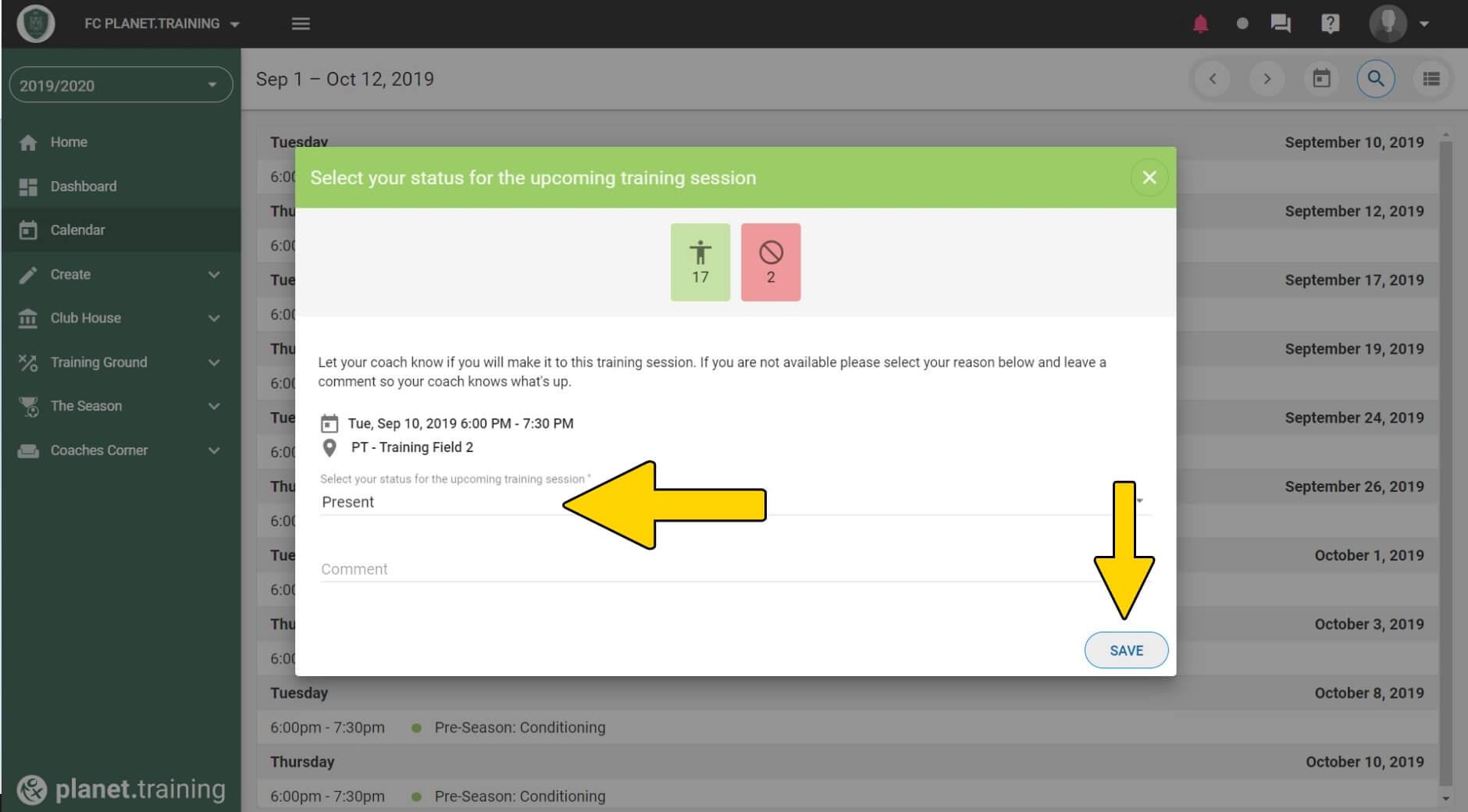
Allow your players to fill out their training attendance inside the app - It's a great alternative to our classic attendance-check via email.
Step 1
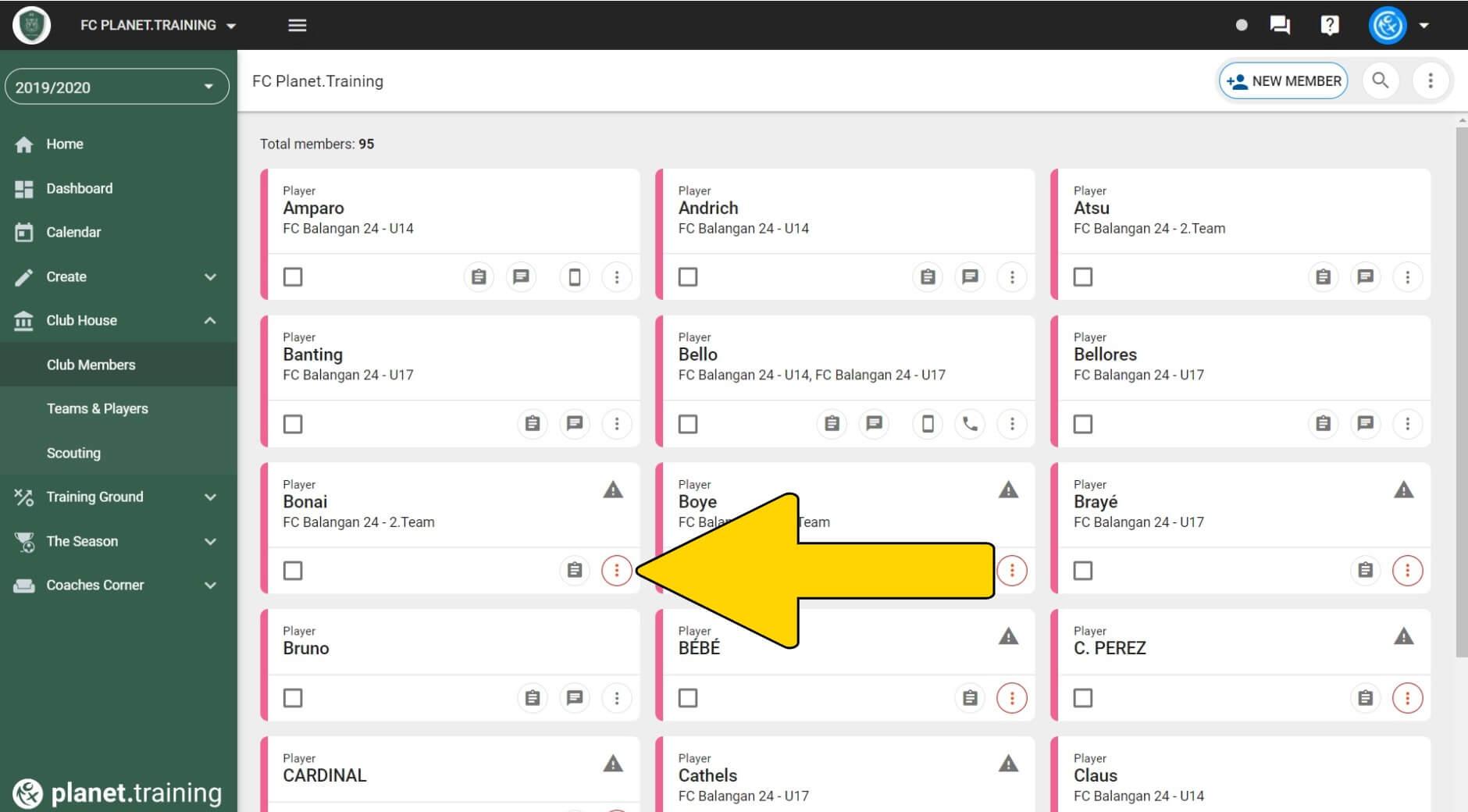
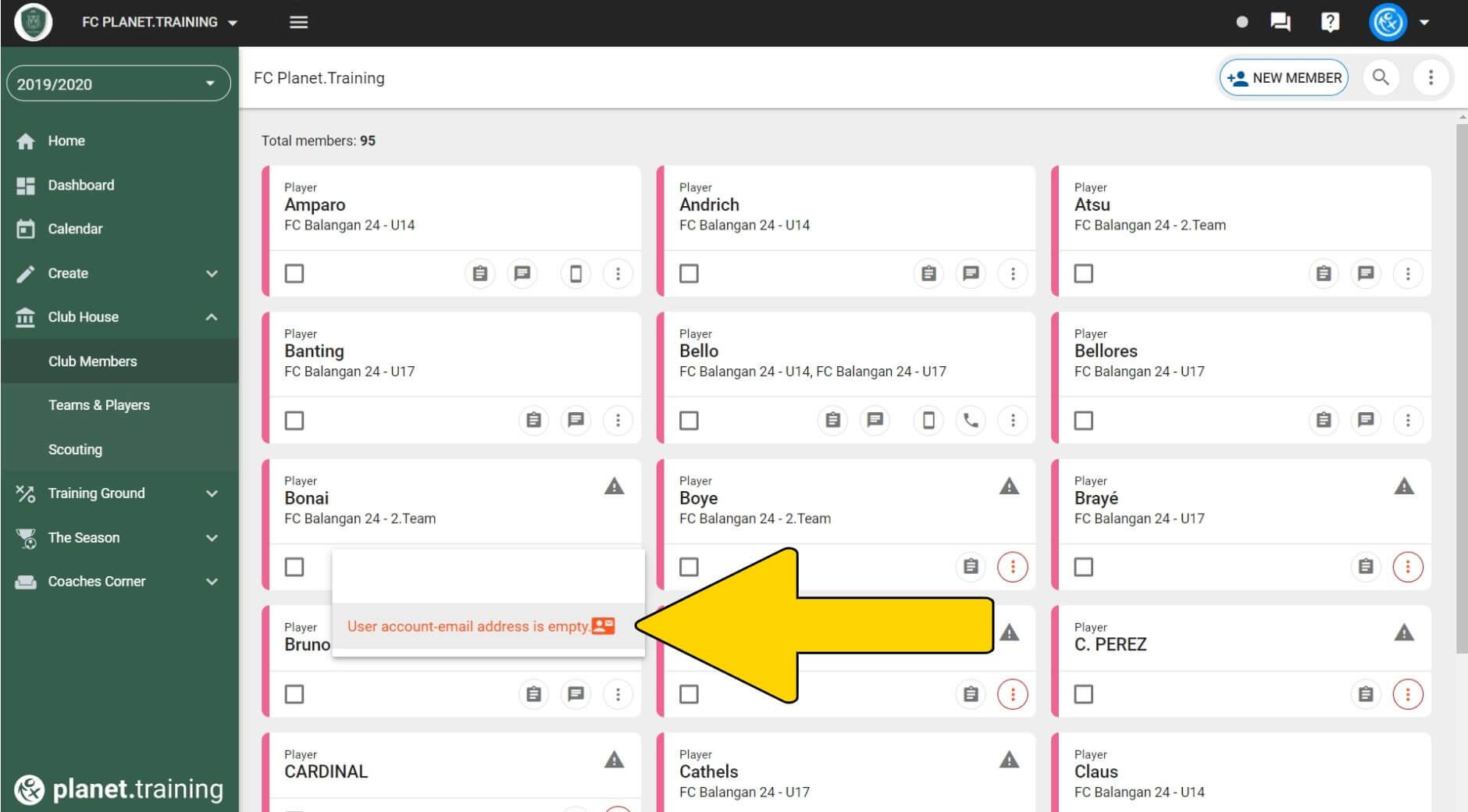
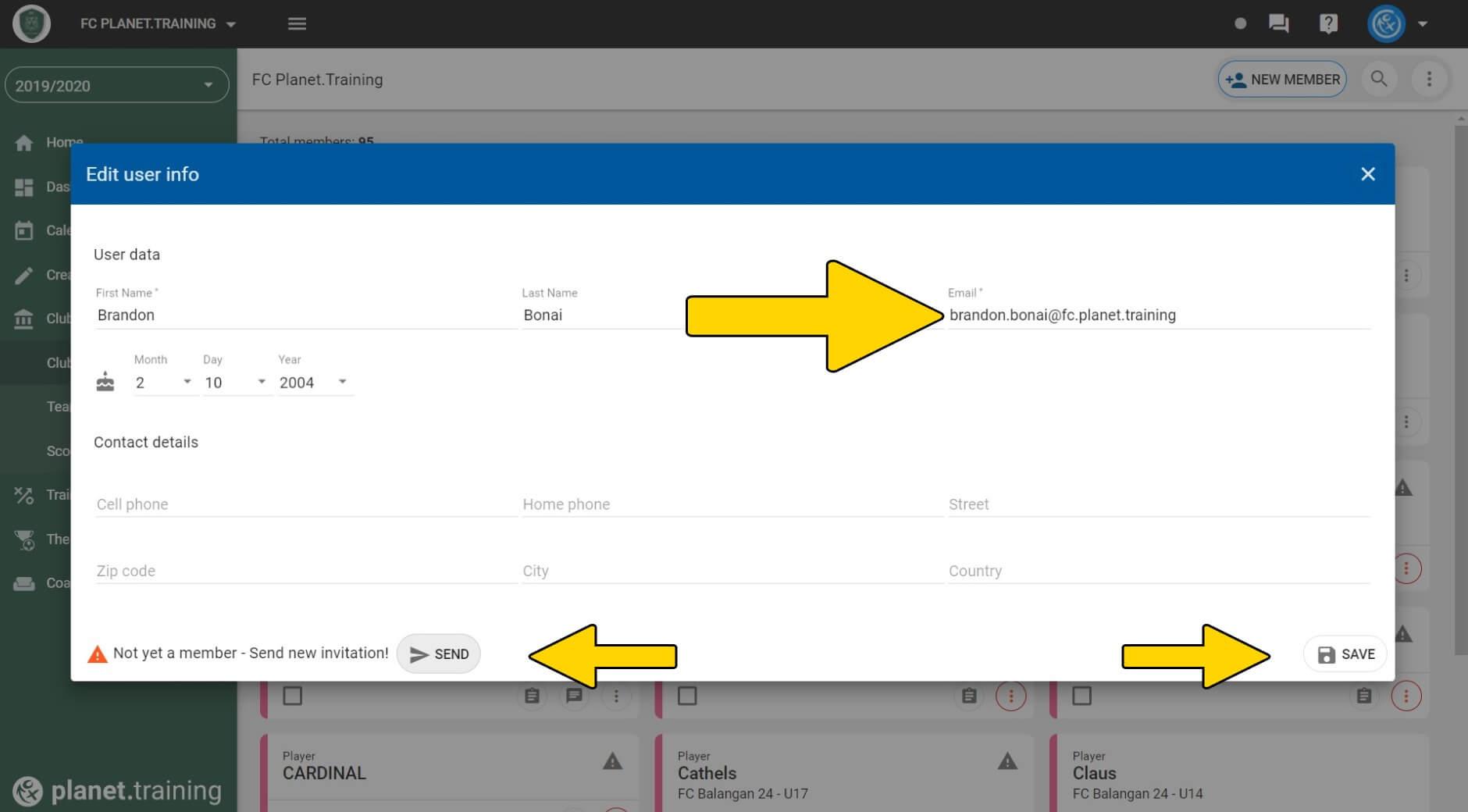
Invite players to your planet.training app!
Step 2
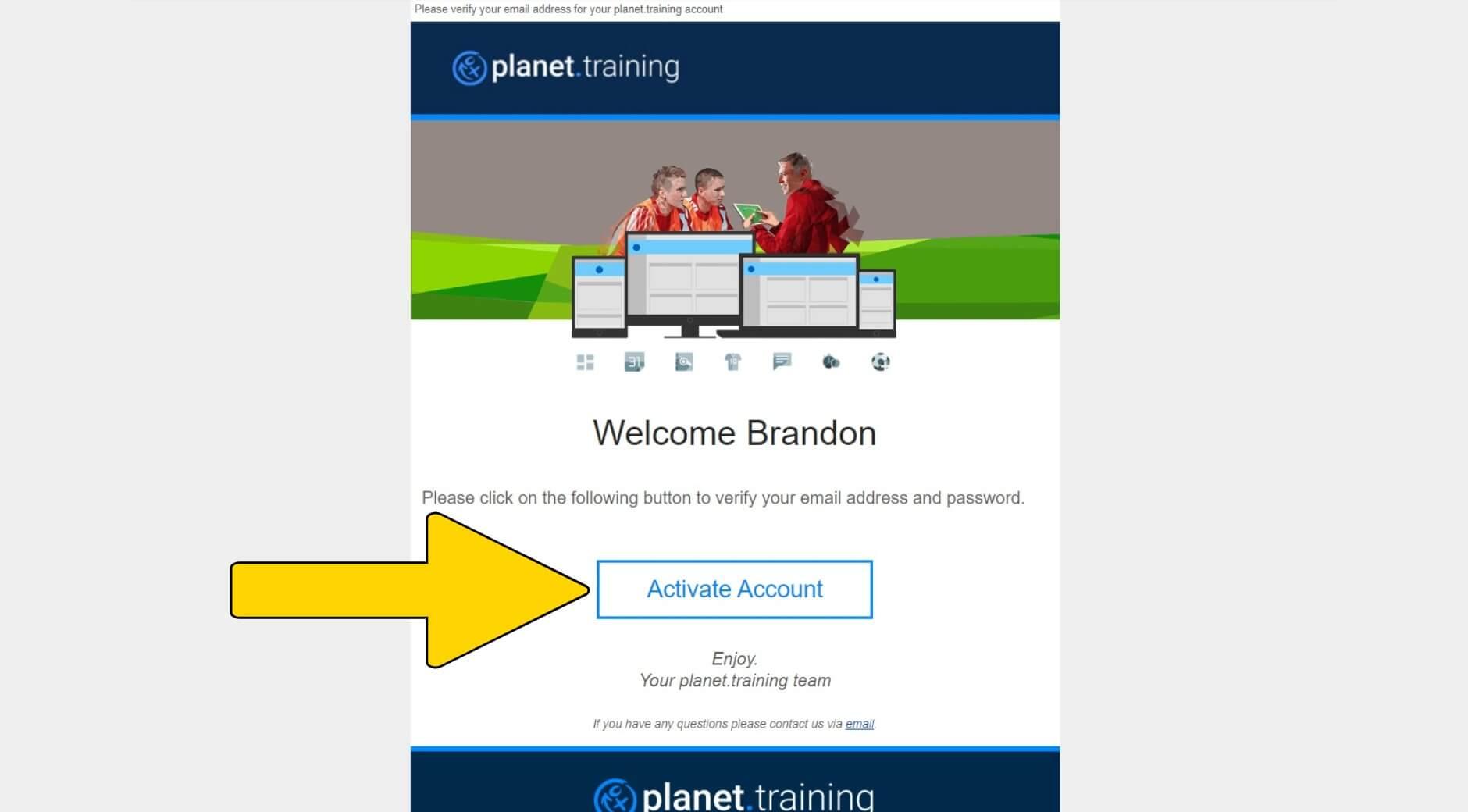
Player has to activate and set up his/her account.
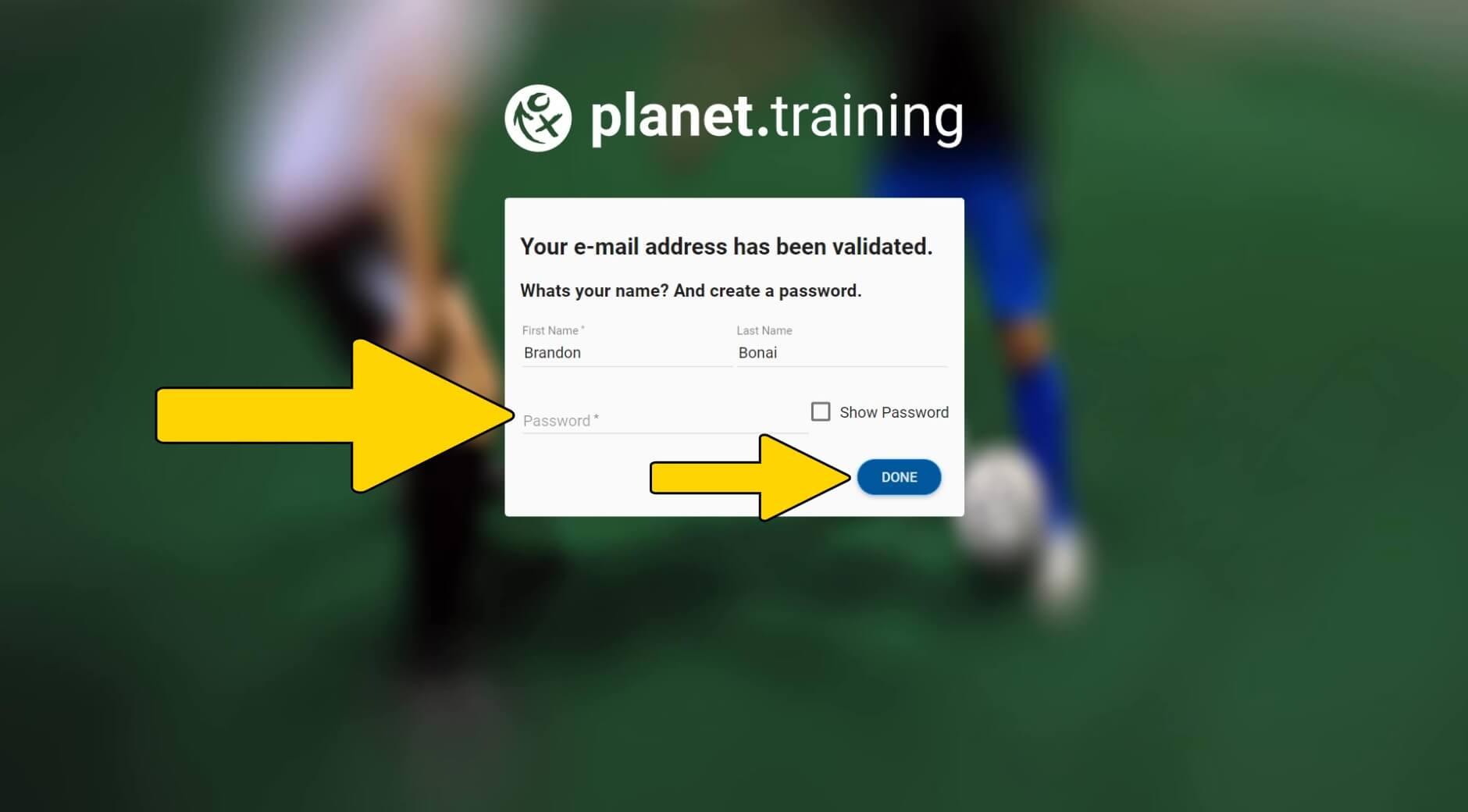
Step 3
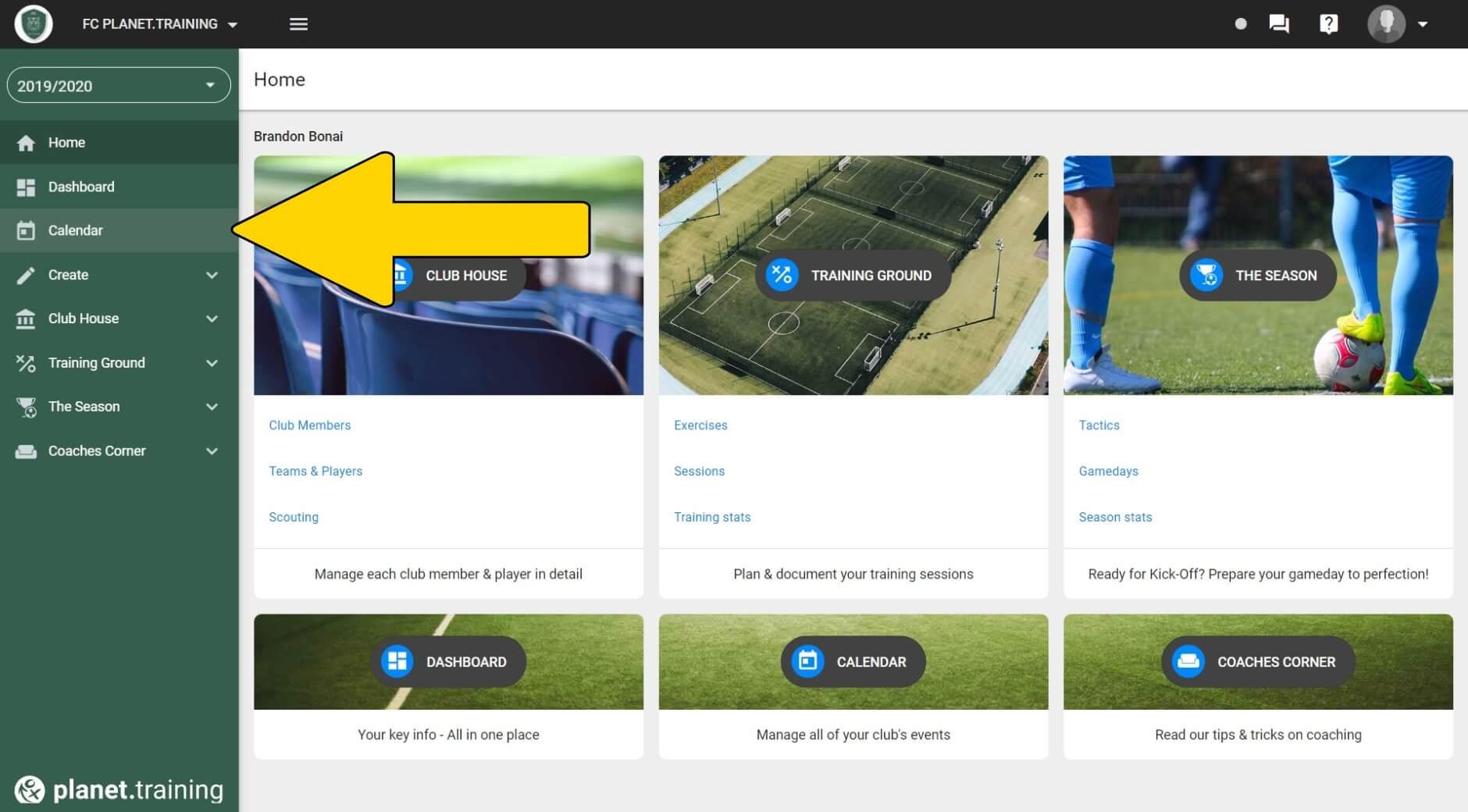
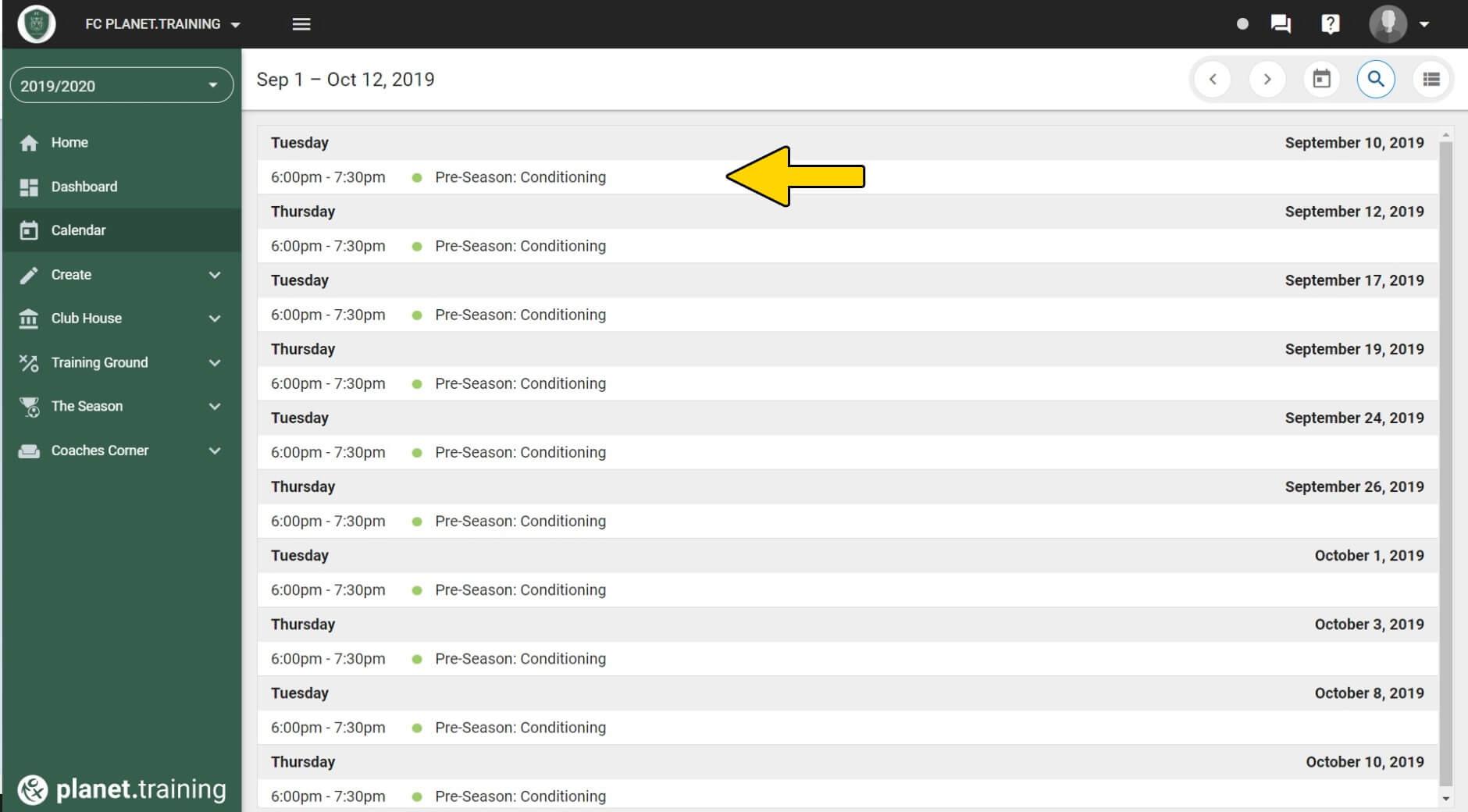
The player is now able to sign in to the app. As a default setting players will only be able to see the events inside the calendar. Click here for another tutorial, If you want to assign specific permissions that allows them to see drills, training sessions, rating and tactics.
Tip:
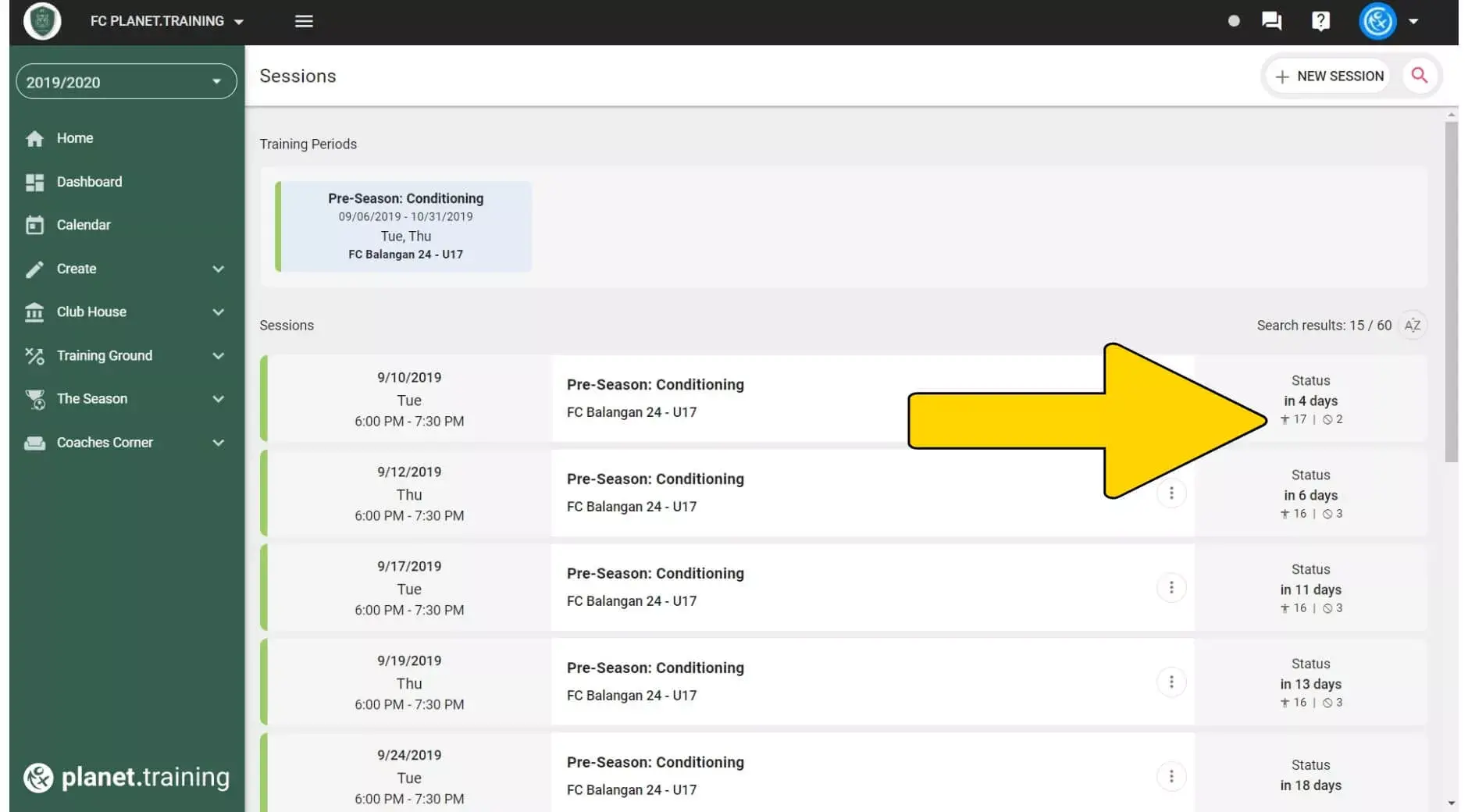
As soon as players have started to fill out the training attendance the coach can see the current number of attending and absent players. This allows you to plan the training session accordingly.
Further questions about planet.training?
You can find many more tutorials in our support center. If you can't find an answer here either, please send us a message to support@planet.training or use our support chat on this page.